预制服务
容器化部署 Flux.2 [dev]
共绩算力控制台:[https://console.suanli.cn/dashboard](https://console.suanli.cn/dashboard)
1. 访问控制台进入弹性部署界面
共绩算力控制台:https://console.suanli.cn/dashboard
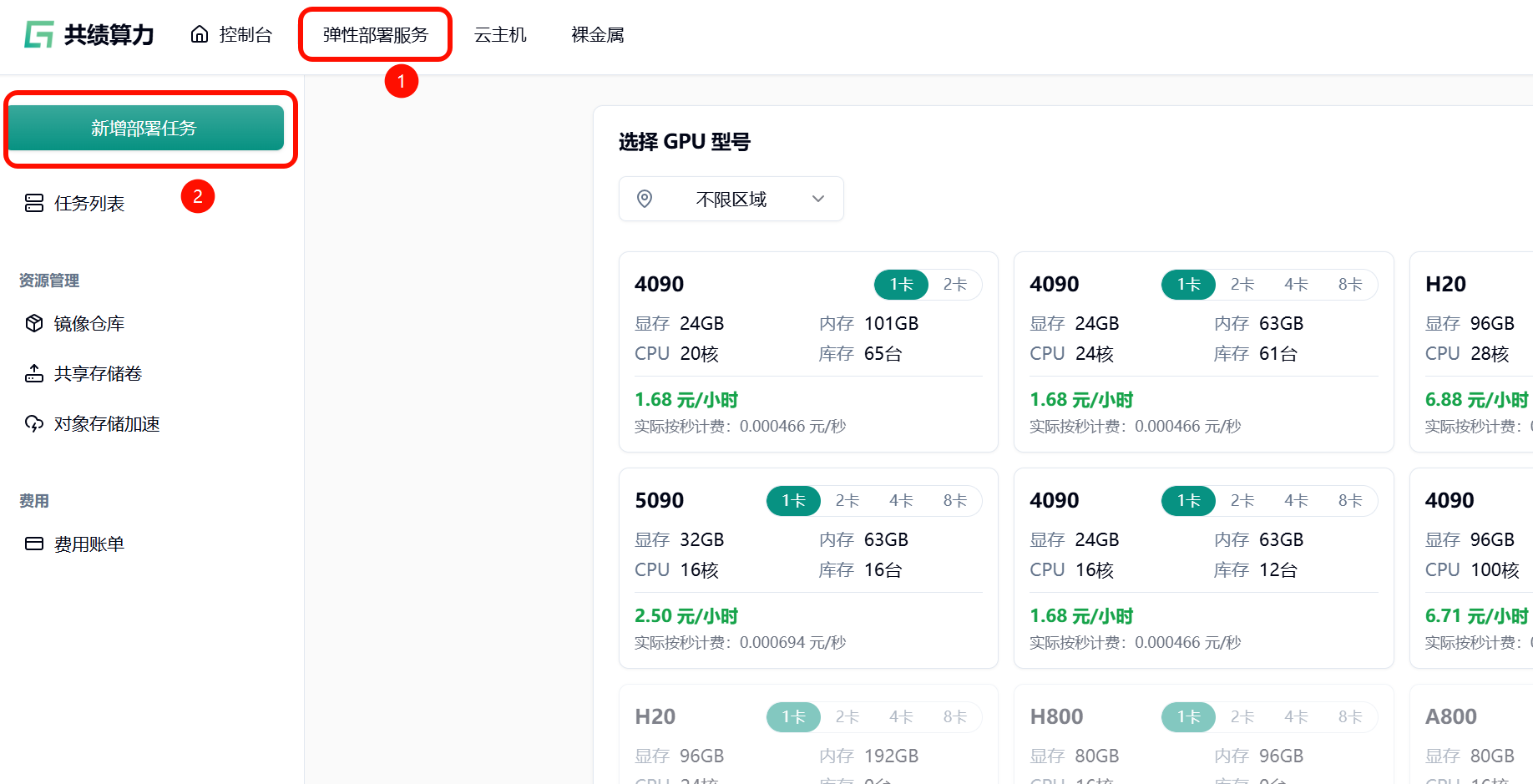
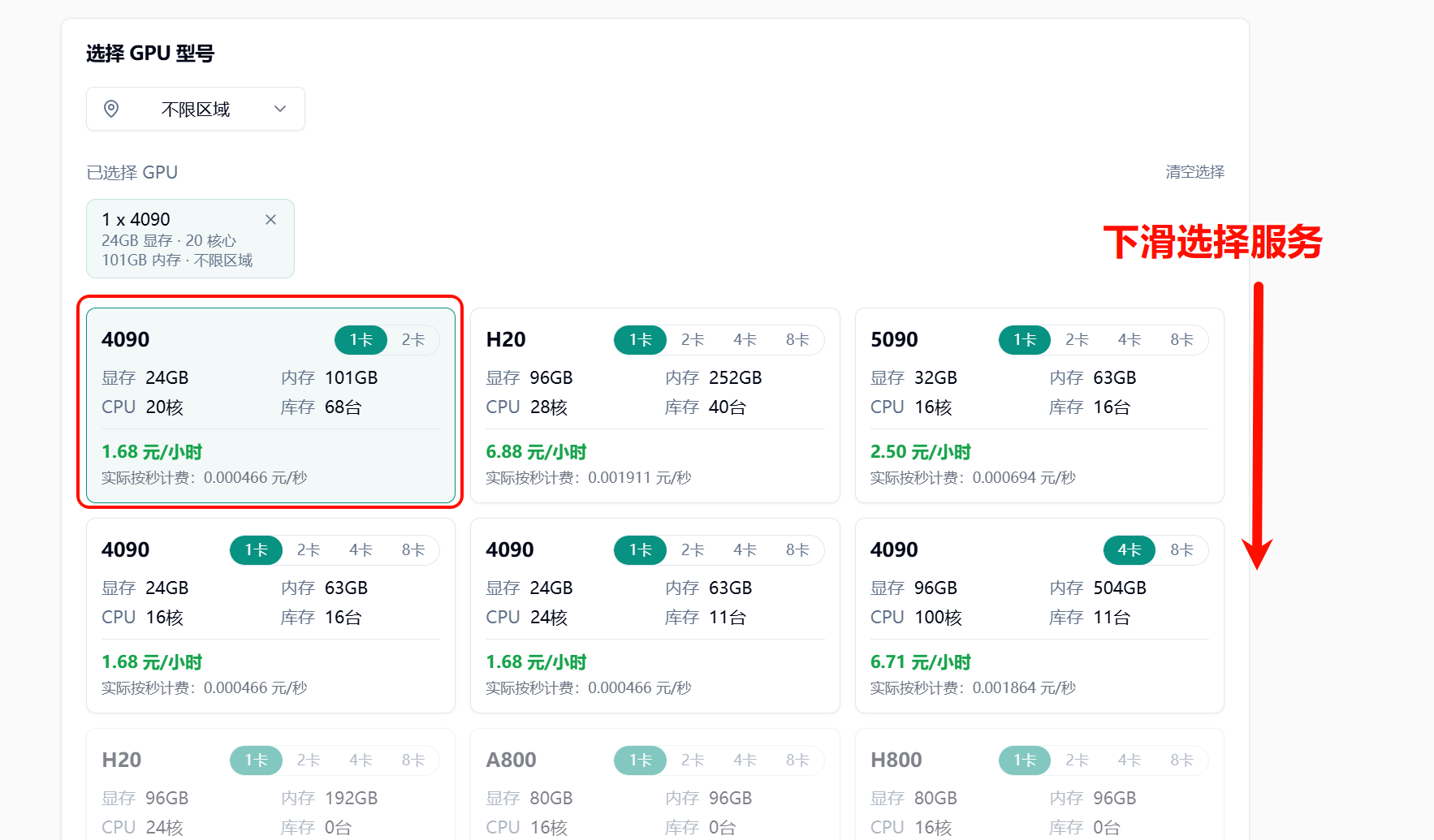
2. 基于自身需要选择所需配置
参考配置:4090,1 卡
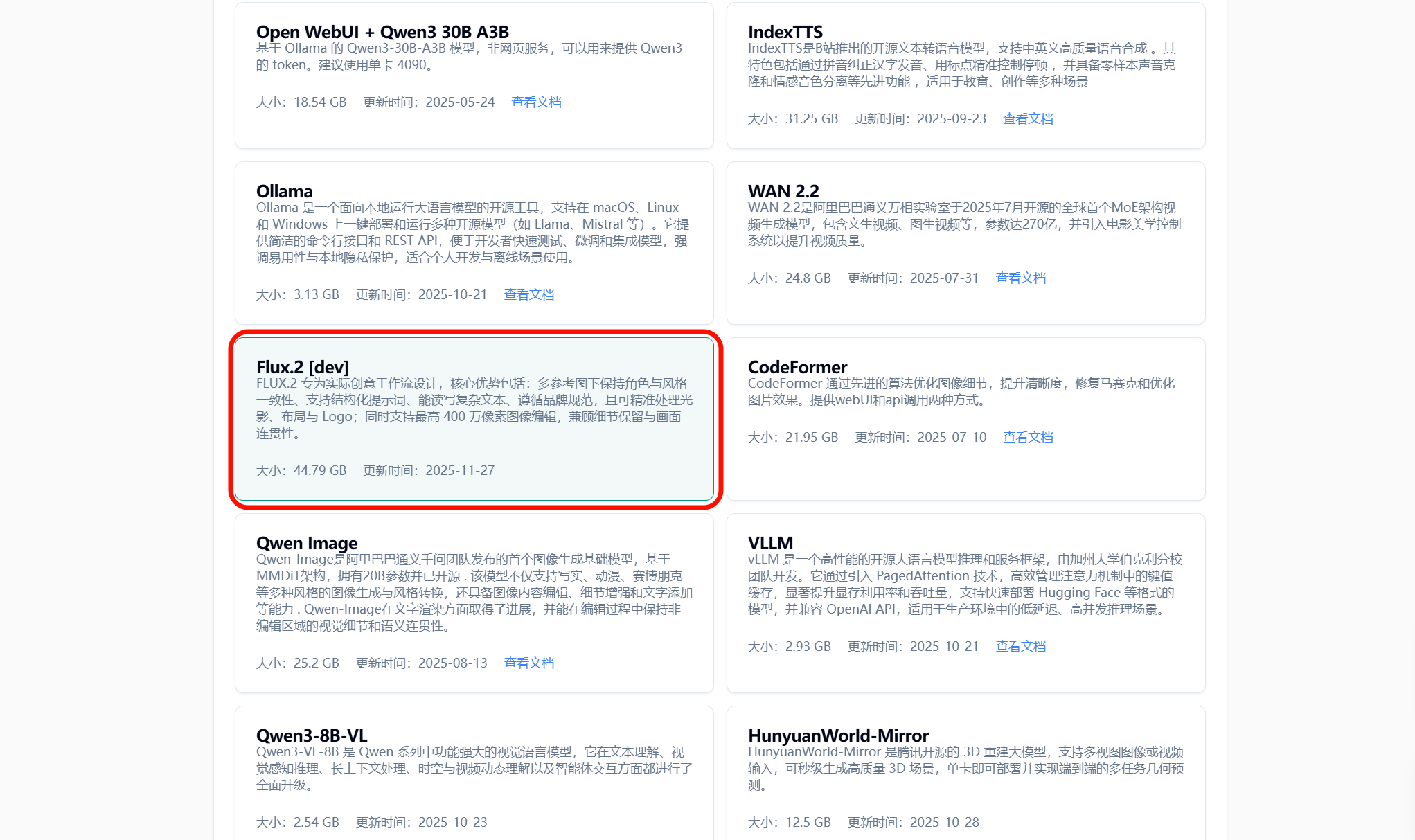
3. 选择相应服务
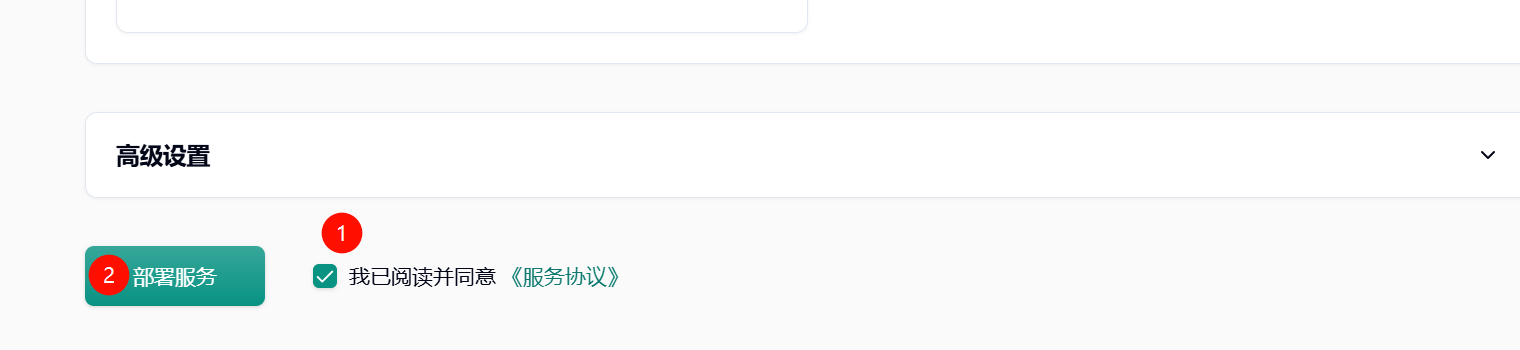
4. 点击部署服务
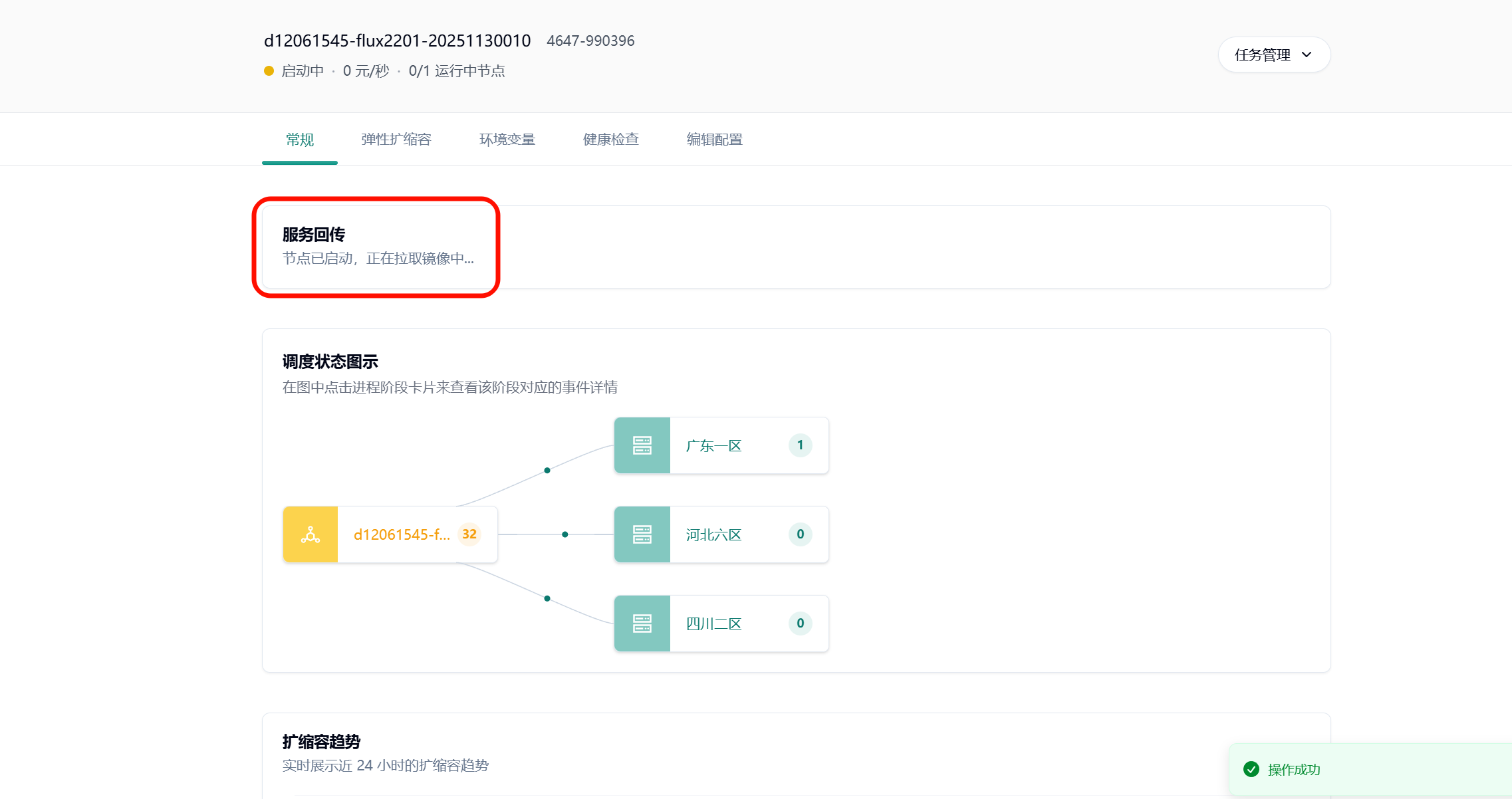
5. 耐心等待节点拉取镜像
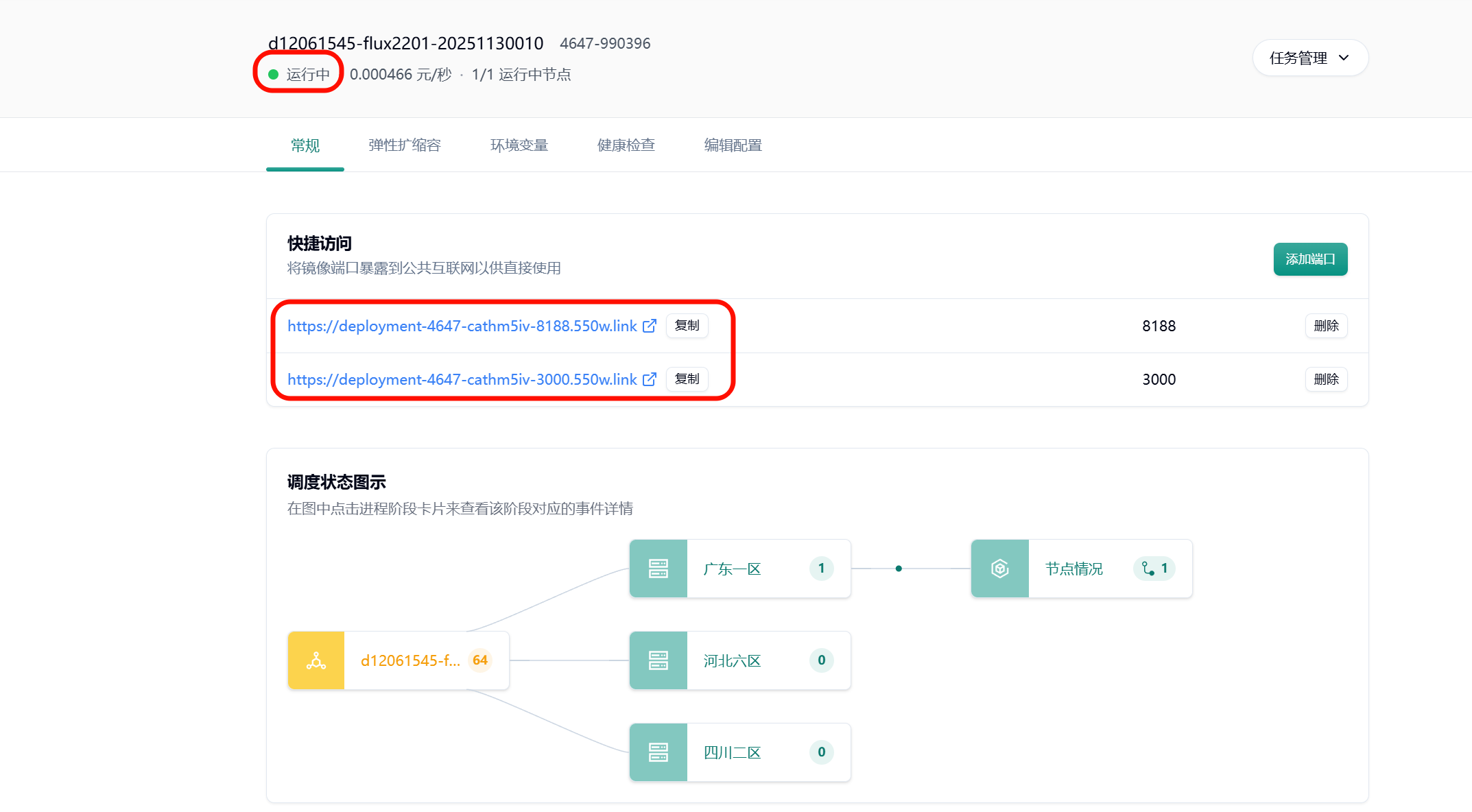
6. 节点启动后的界面
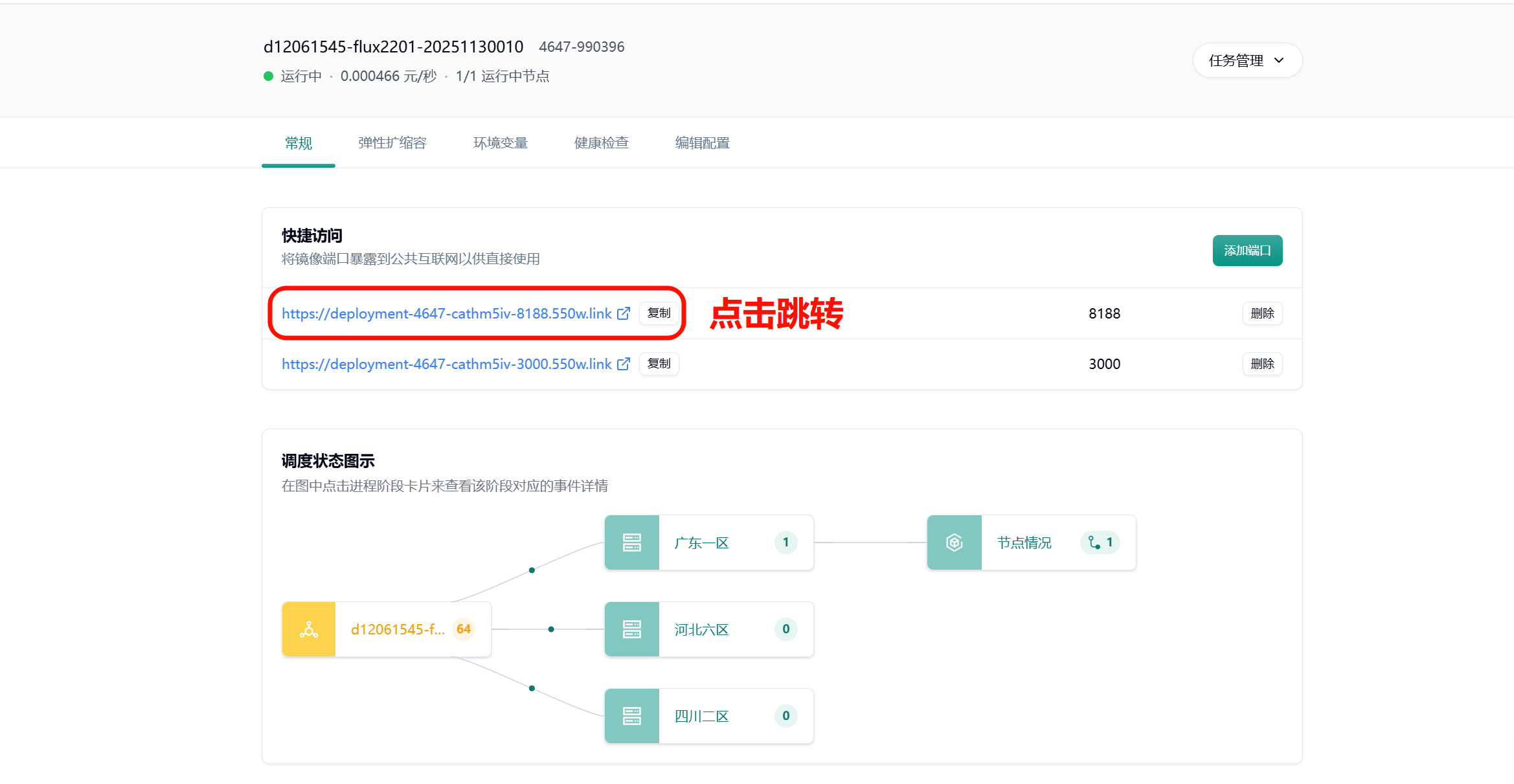
7. 进入 comfyui 界面
系统会自动分配一个可公网访问的域名,点击图示链接跳转 comfyui 界面
文生图实战
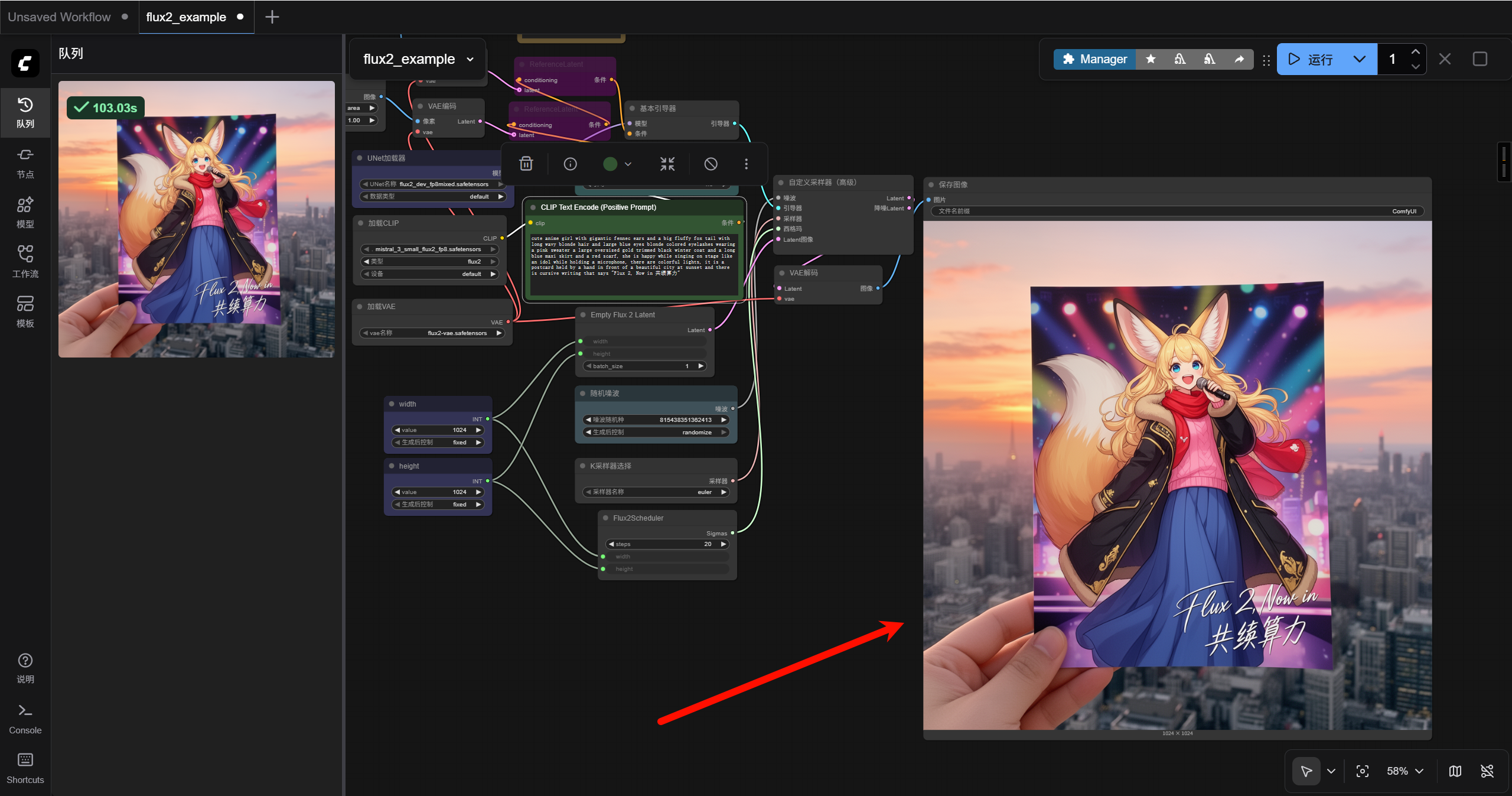
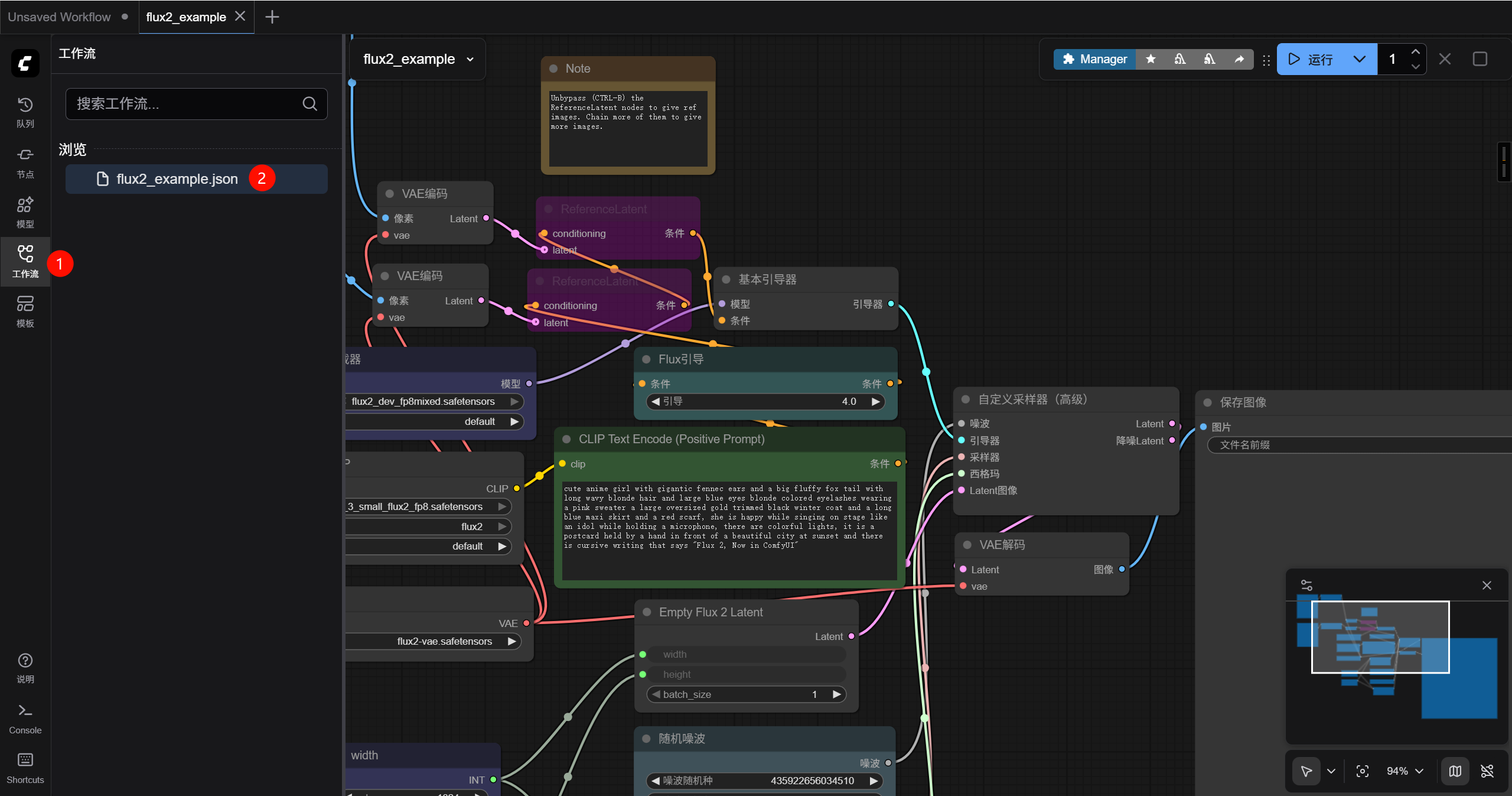
进入 comfyui 界面以后按下图序号先选择左侧栏的工作流菜单,再点击打开默认的 flux2_example.json 文件,此时可以发现这是一份默认的测试工作流
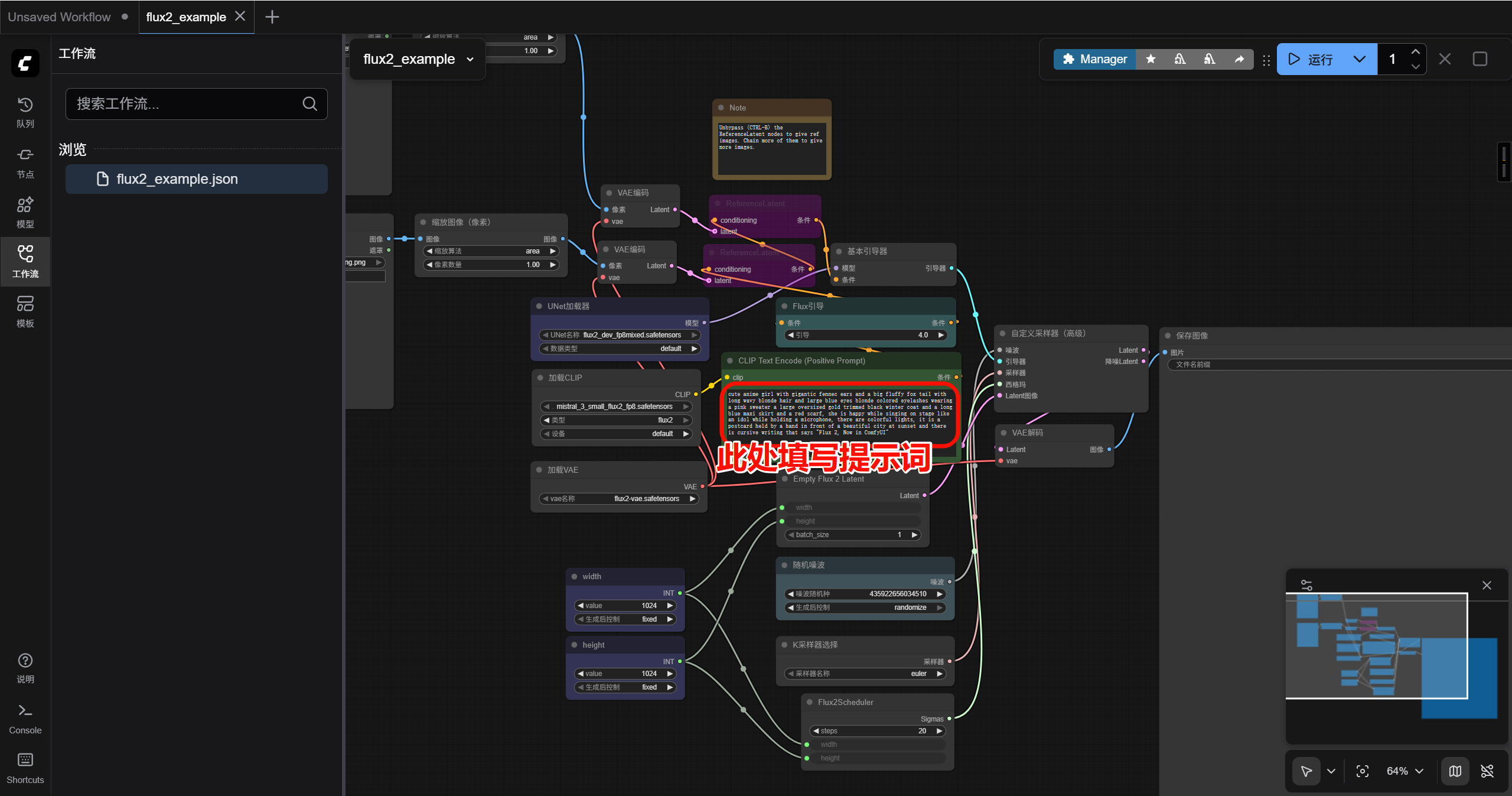
参考的 prompt 如下:
cute anime girl with gigantic fennec ears and a big fluffy fox tail with long wavy blonde hair and large blue eyes blonde colored eyelashes wearing a pink sweater a large oversized gold trimmed black winter coat and a long blue maxi skirt and a red scarf, she is happy while singing on stage like an idol while holding a microphone, there are colorful lights, it is a postcard held by a hand in front of a beautiful city at sunset and there is cursive writing that says “Flux 2, Now in 共绩算力”
点击下方的开始运行
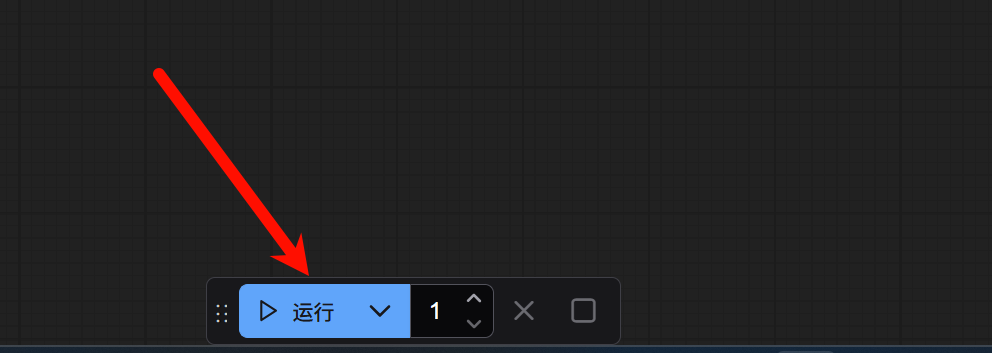
稍等片刻,即可在后方的“保存图像”节点看到基于我们提示词生成的图片。右键点击图片,选择“Save Image”即可保存图片。